Forms
Build your own questionnaires, surveys, and feedback forms. Choose the questions and the answer types, send them out, and store every response against the right record in Method:CRM.

What This Module Includes
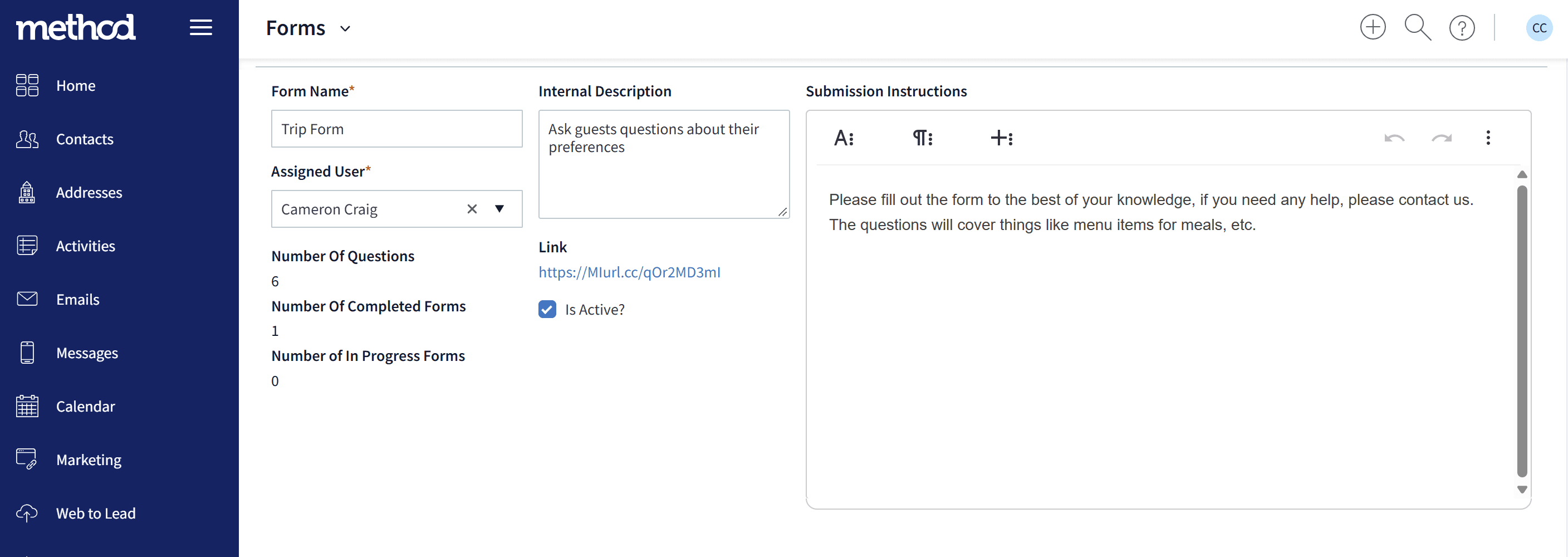
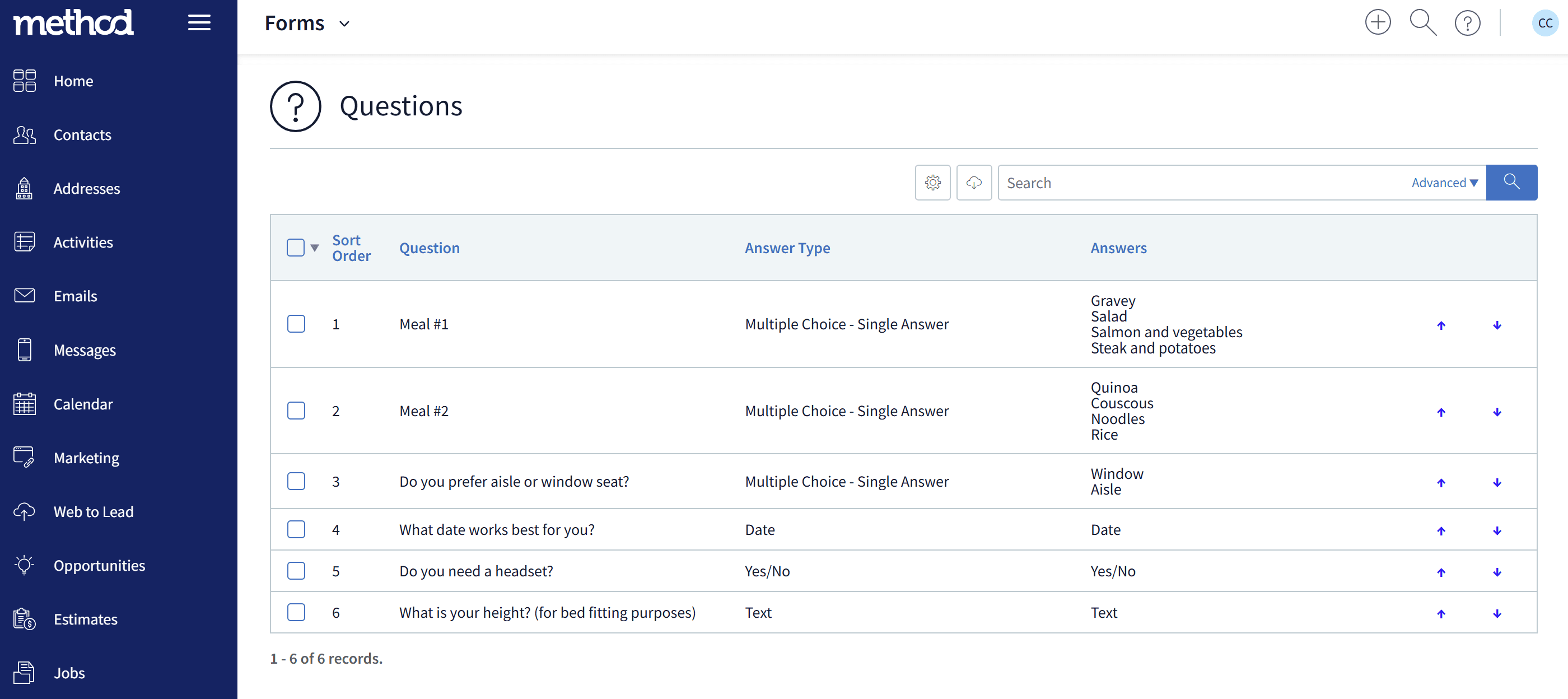
Forms are for collecting information you want to keep: a contact's preferences, feedback on a job, a pre-event questionnaire, or a review request. You decide what to ask and how people can answer.
- • Fully customizable form builder with the questions you choose
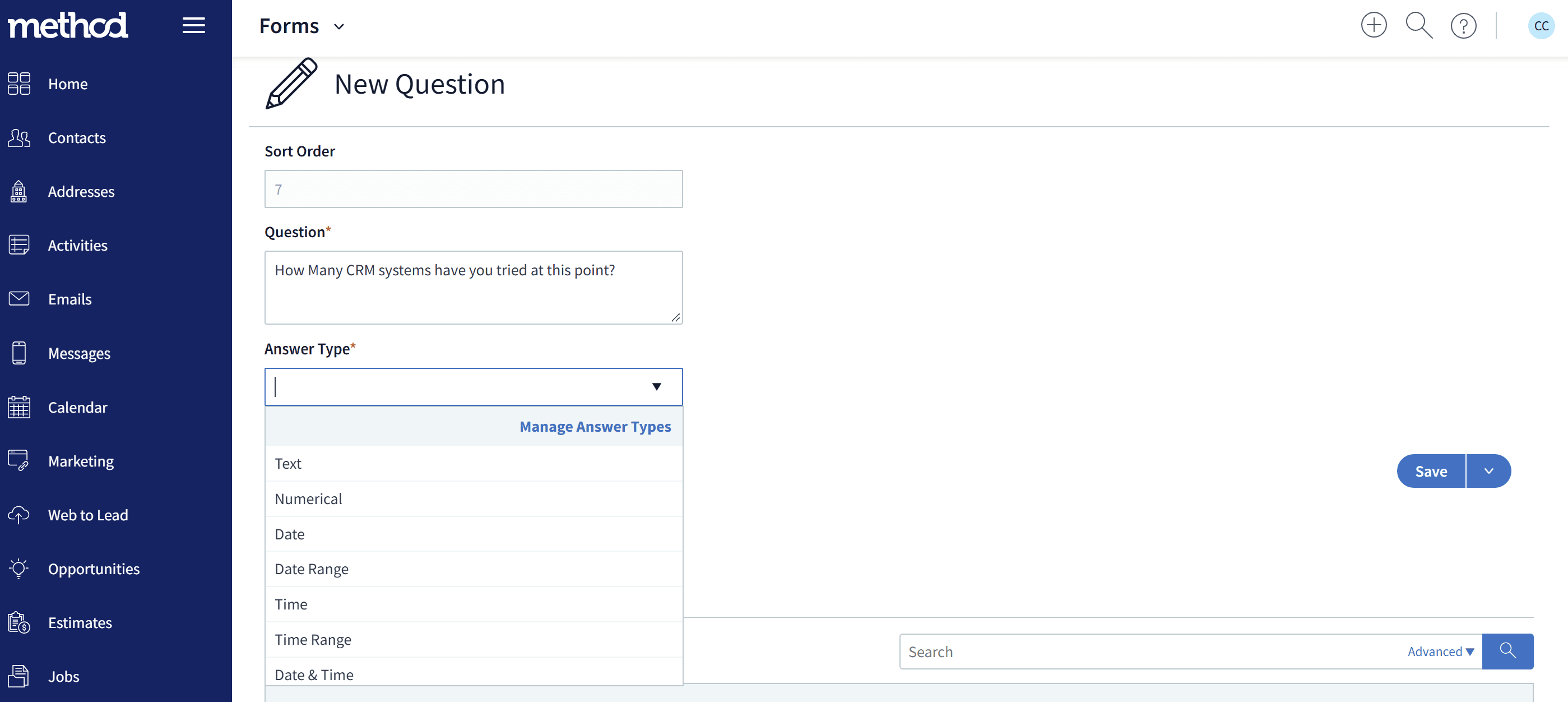
- • Control the answer type for each question: text, dropdowns, checkboxes, uploads, and more
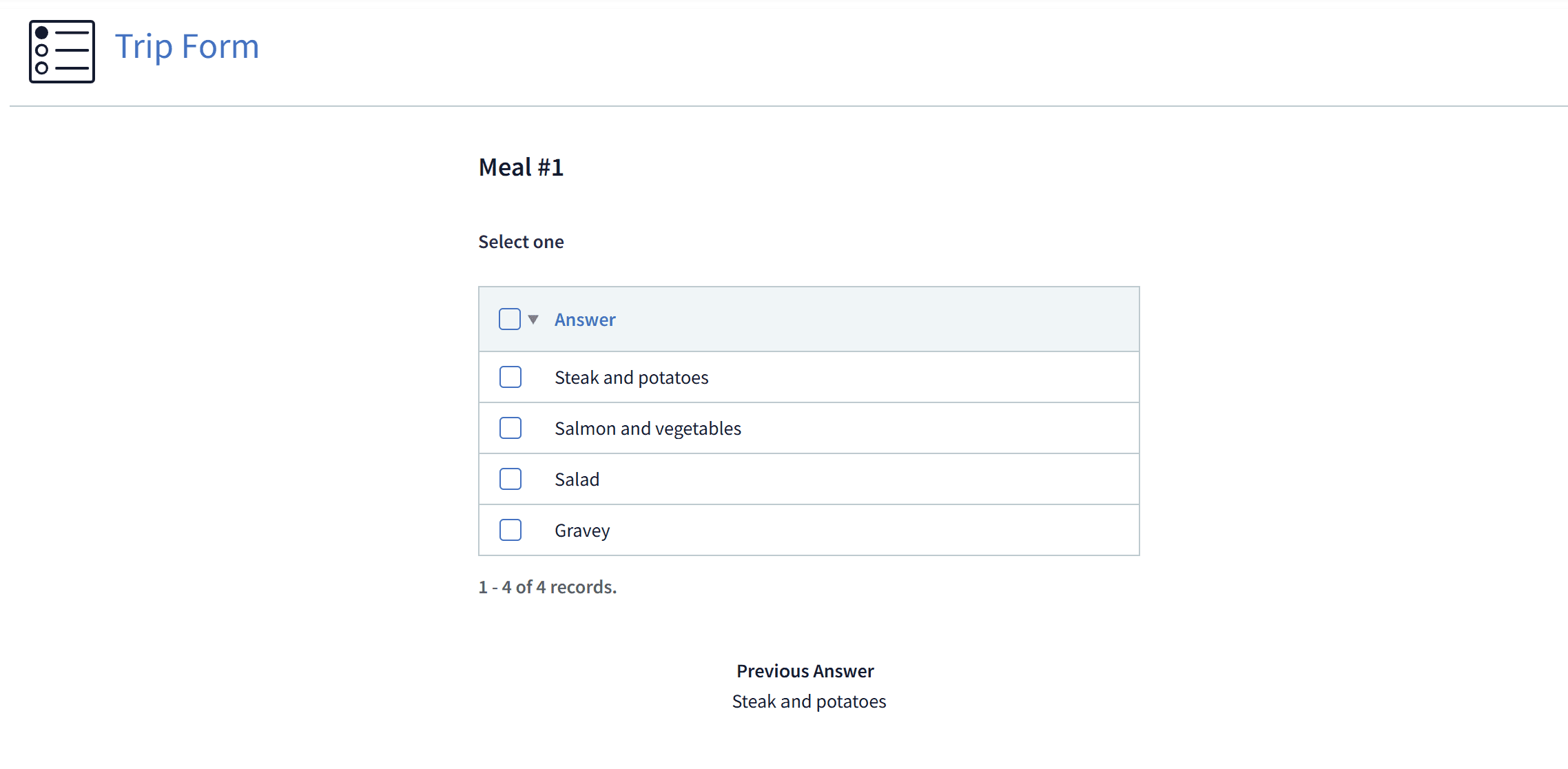
- • Limit contacts to the answers you allow, so your data stays clean
- • Conditional logic for dynamic form flows
- • Send forms out by email or link to collect information on demand
- • Connect responses to contacts, work orders, sales orders, events, and reviews
- • Attach a Form to a Lead Form to gather more detail from new leads
- • Email notifications for staff and customers
- • Public or authenticated form access
- • Clean, mobile‑friendly layout for all devices
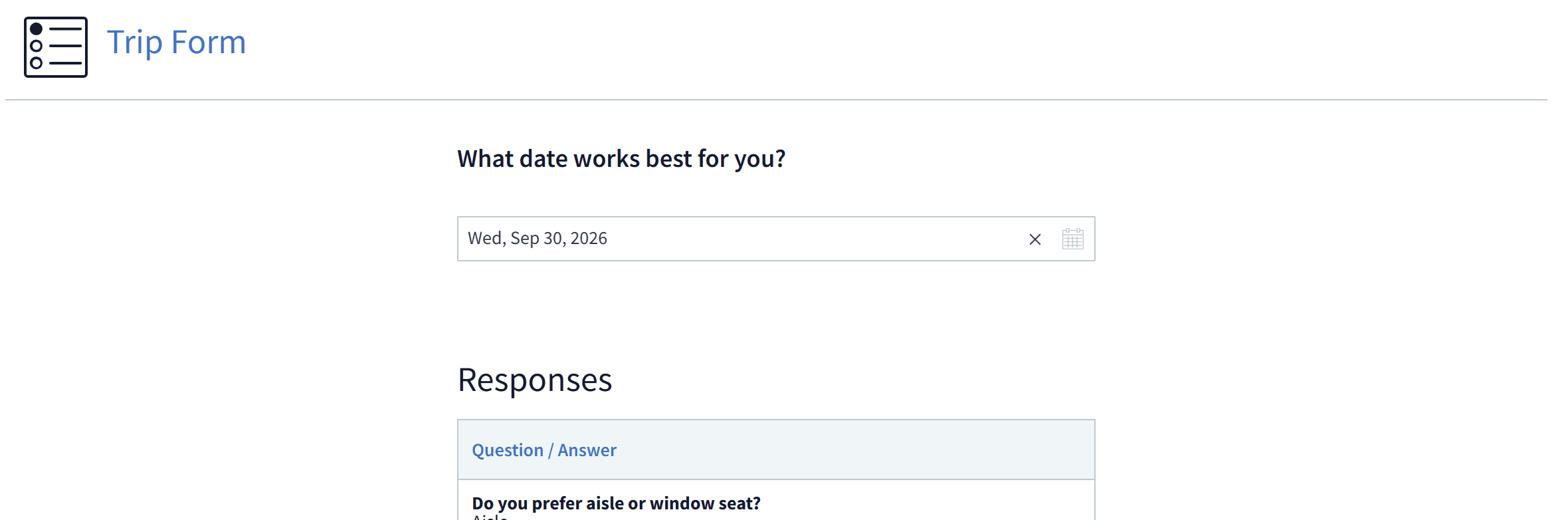
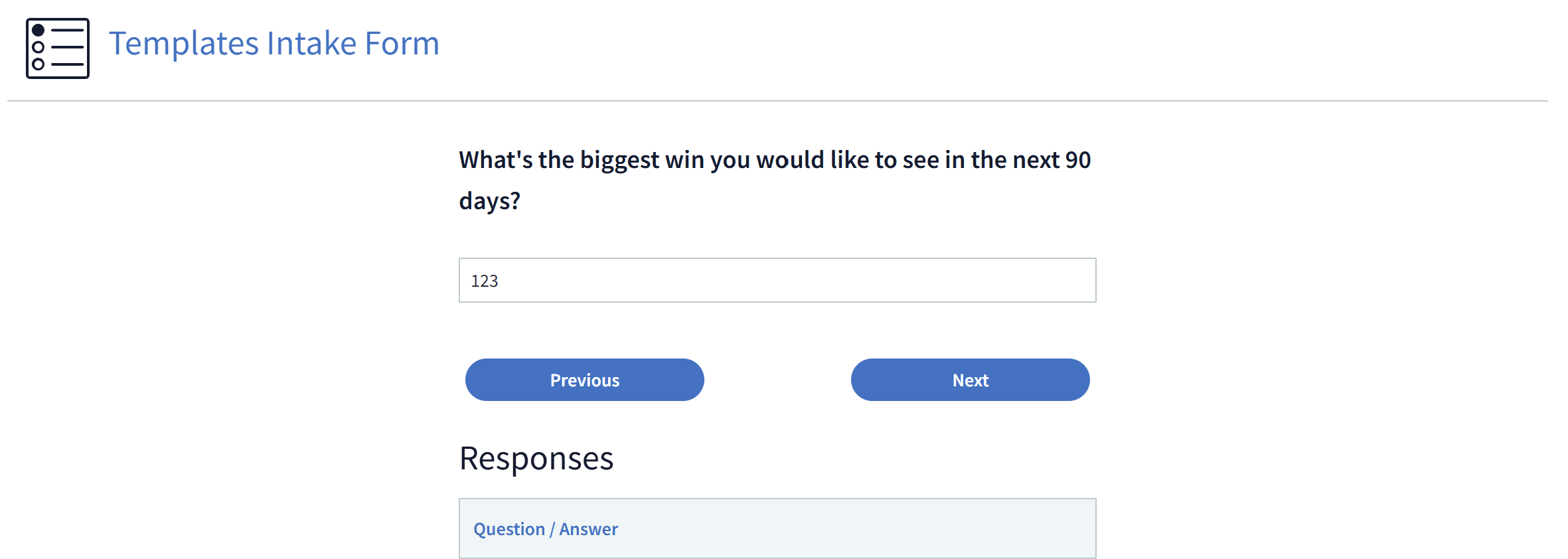
Collect the Information That Matters
Whether you're asking about customer preferences, gathering feedback on a completed job, or preparing for an event, your forms ask exactly what you need and accept only the answers you allow.
Responses are stored in Method:CRM and linked to the work order, sales order, event, or contact they relate to, ready for your team to use.
Looking to capture new leads?
Forms collect custom information. If you want to capture a new contact's details, create an opportunity, alert your team, schedule a follow-up, and track referrals and campaigns, use Lead Forms instead.