Lead Forms
Capture new leads straight from your website, campaigns, and referrals. Every submission becomes a contact, an opportunity, and a follow-up in Method:CRM, with no manual entry.
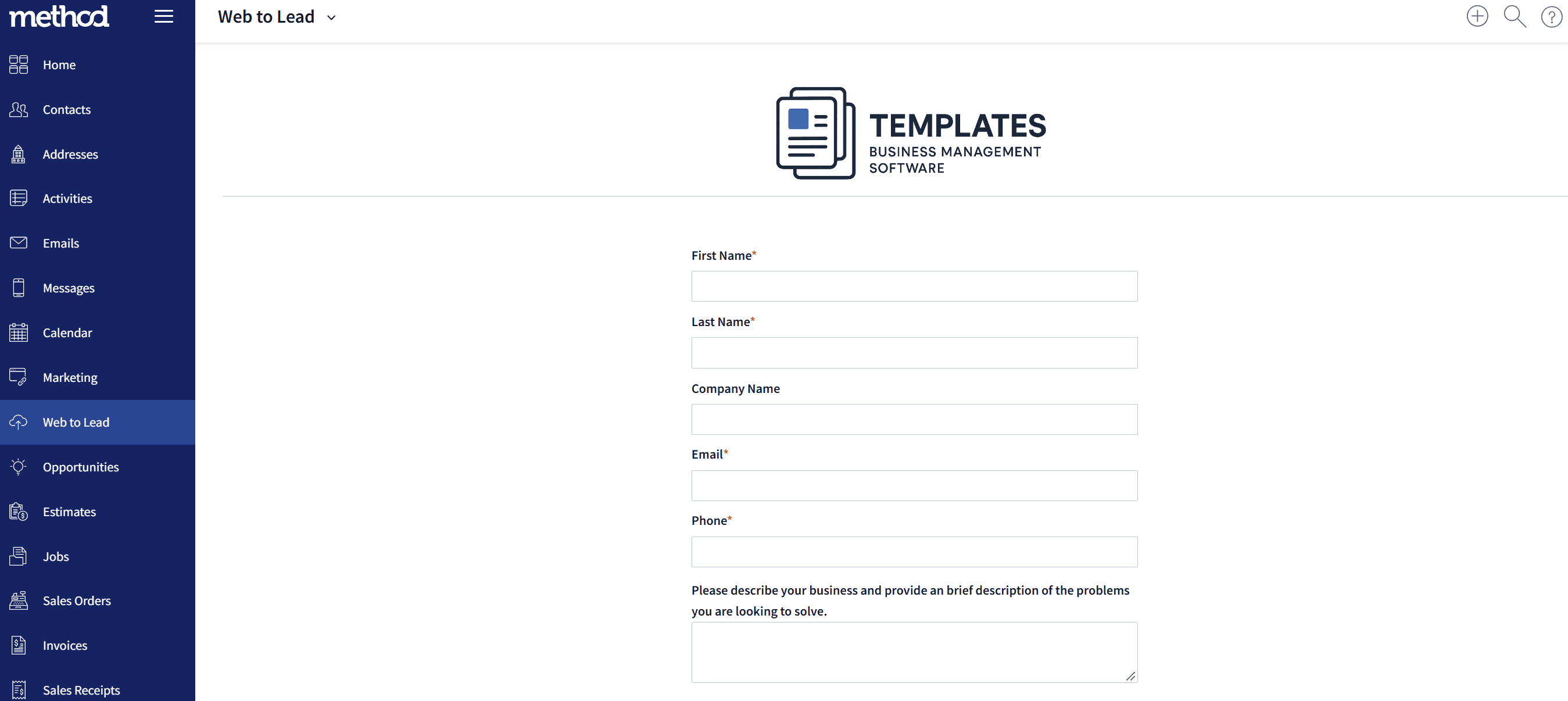
Try one live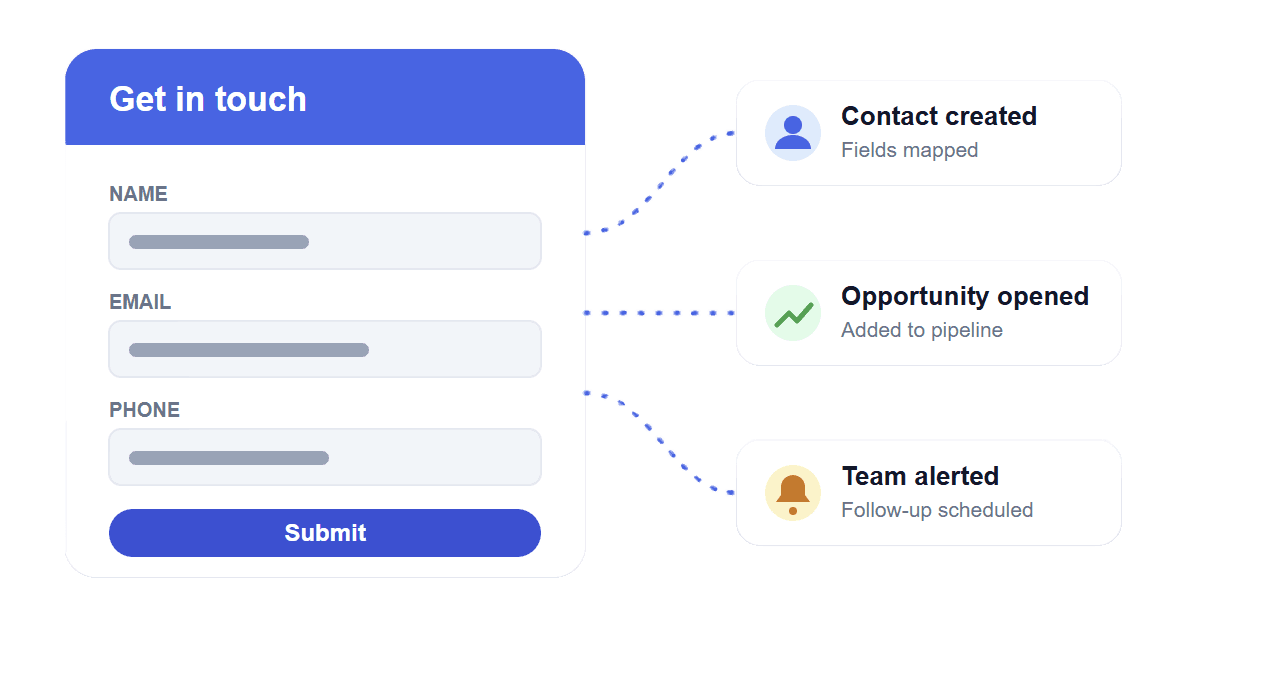
What This Module Includes
Turn every visitor enquiry into a tracked lead. Lead Forms collect contact details, map them to your contact records, and kick off your sales process the moment someone hits submit.
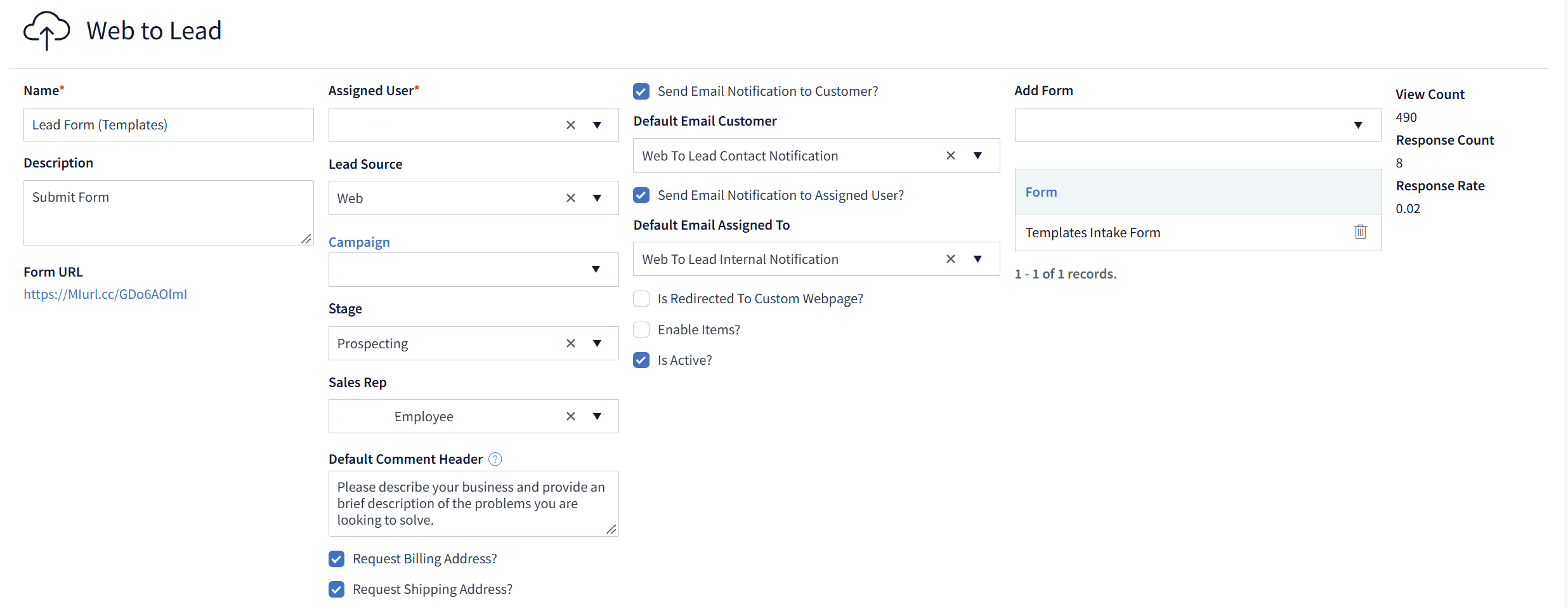
- • Captures contact details and basic information in a simple, fast form
- • Form fields map directly to fields on the contact record
- • Automatically creates an opportunity for every new lead
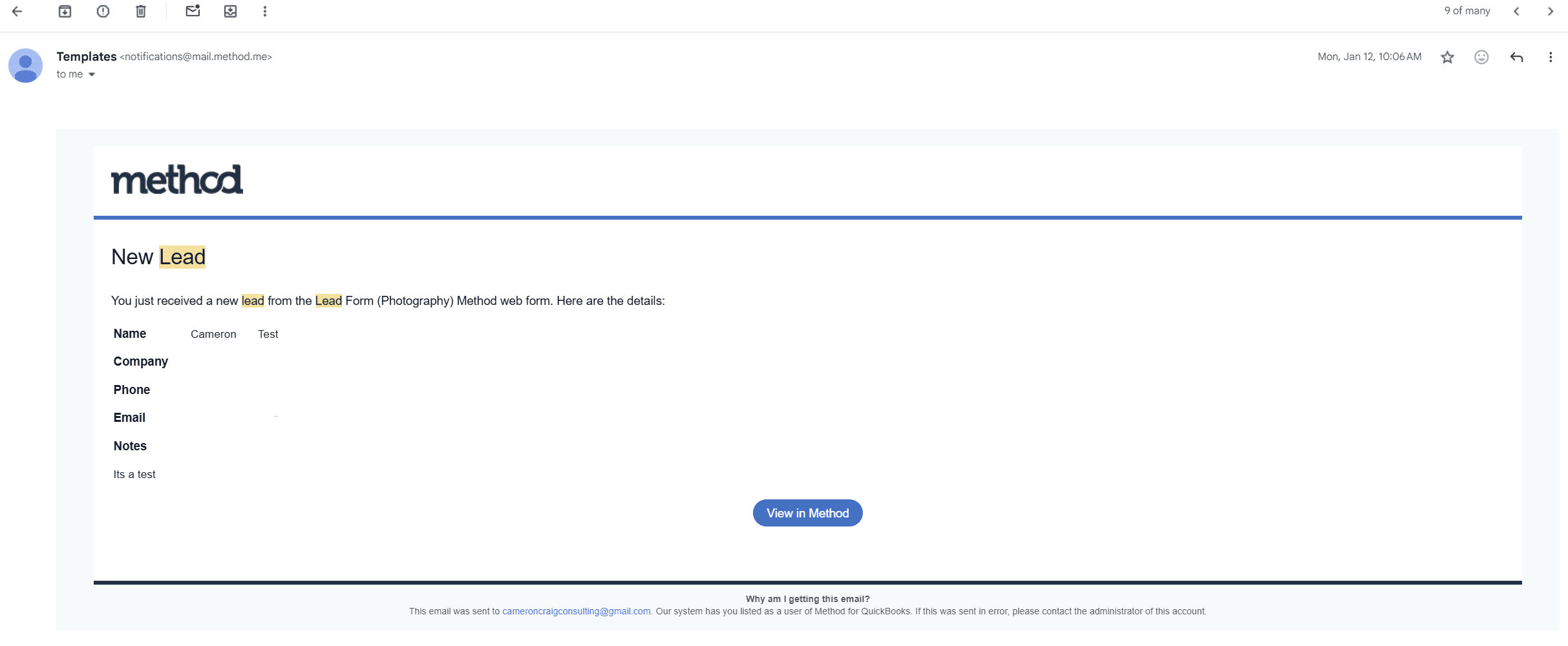
- • Instant alerts to the right staff member or team
- • Creates a follow-up reminder so no lead goes cold
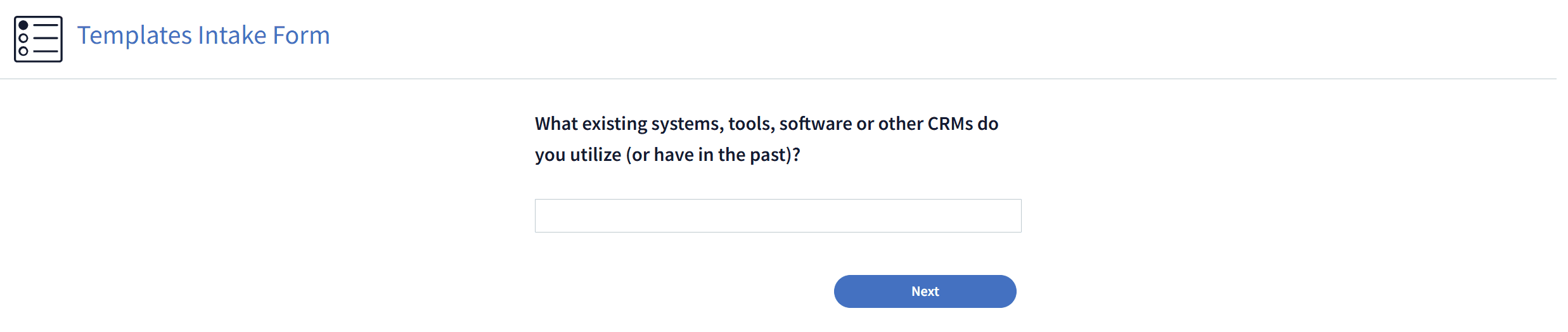
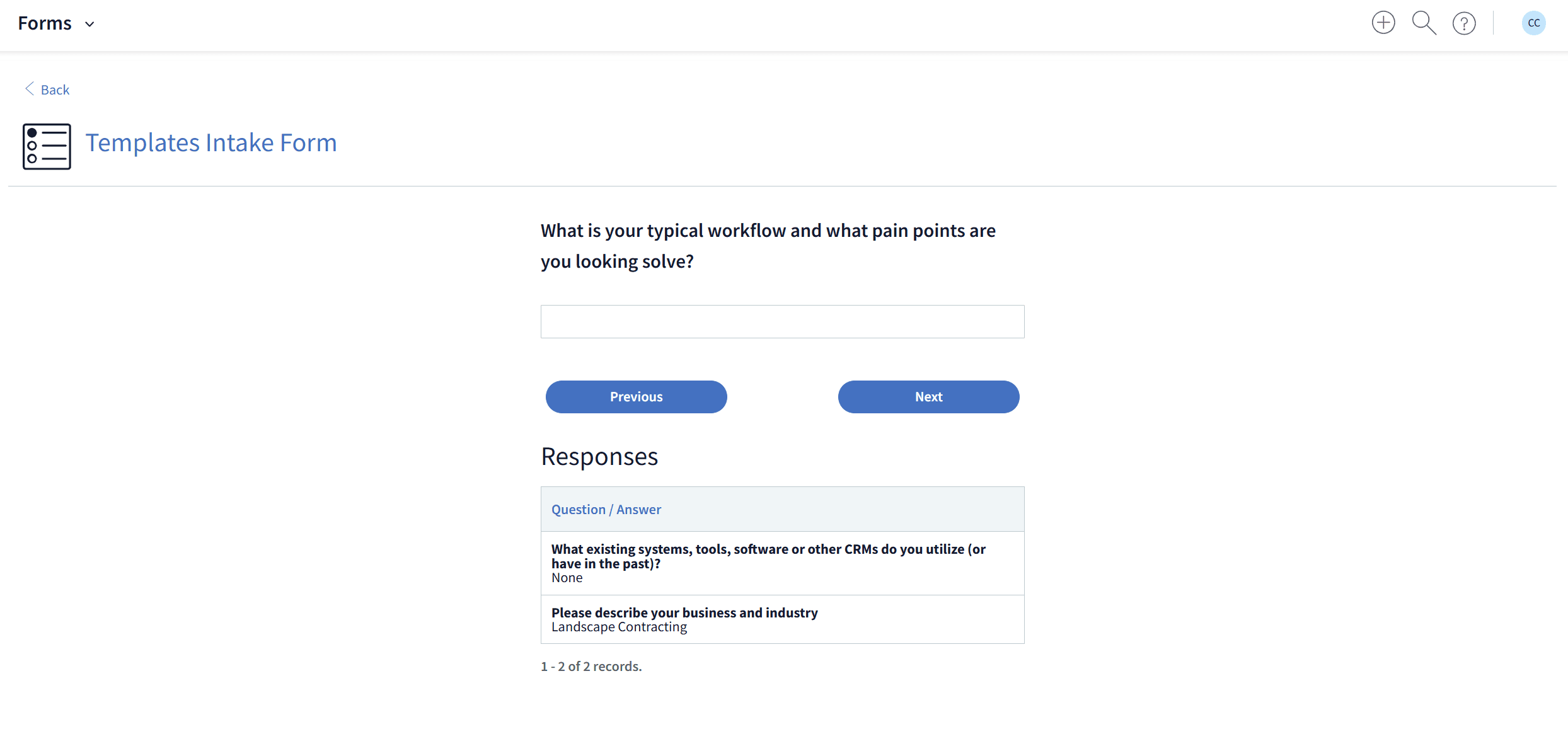
- • Optionally attach a Form to gather more detail after the lead comes in
- • Built-in referral incentives to reward people who send you business
- • Links each contact to the marketing campaign that brought them in
- • Embed on your website, landing pages, or share by link
- • Clean, mobile‑friendly layout for all devices
What Happens When a Lead Comes In
Contact created
Submitted details are mapped to fields on a new or existing contact.
Opportunity opened
A new opportunity is created and ready to work in your pipeline.
Team alerted
The right person is notified immediately so you can respond fast.
Follow-up scheduled
A reminder is created so every lead gets a timely reply.
Why not try one to see how it works!
Fill in the form and hit submit. It's the same kind of Lead Form your website visitors would use, and everything in the steps above happens behind the scenes.
Know Where Every Lead Came From
Lead Forms tie each new contact to the campaign, referral, or page that produced them, so you can see which marketing is actually bringing in business.
Add a referral incentive and your happiest customers become your best source of new leads, all tracked back to them automatically.
Need to collect more than contact details?
Lead Forms are built to capture new contacts and start your sales process. If you want to gather preferences, feedback, or other custom answers and store them against a contact, work order, sales order, or event, use Forms instead.